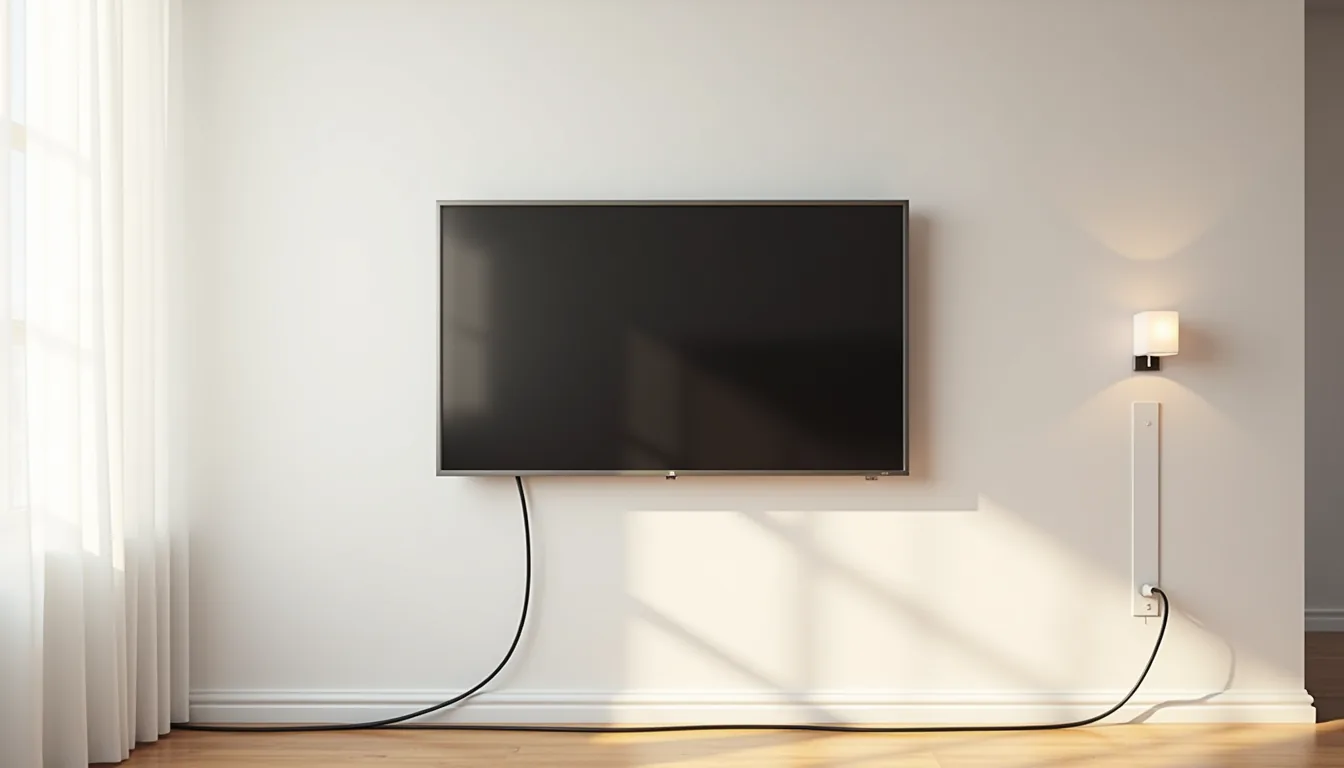
A simple TV stand isn’t a single look but a design constraint, one that balances visual quiet with the practical demands of your screen size, storage, and room’s circulation. It spans floating shelves, closed cabinets, and open steel frames, each with distinct trade-offs in cost, assembly, and upkeep. The right choice depends on your wall type, cable volume, and how much floor space you can sacrifice.
Below, six interpretations show where each fits, what it costs, and what installation actually requires.
Key takeaways
- Wall-mounted brackets free up to 12–18 inches of floor depth, ideal for narrow living rooms or media nooks under 8 feet wide.
- Open shelving on a single frame suits small spaces best when you keep the depth under 16 inches and limit decor to two visual layers.
- Low-profile consoles with closed bases hide cable boxes and gaming gear, but require at least 4 inches of rear clearance for ventilation.
- Modular stackable units let you expand horizontally or vertically later, making them the smartest renter-friendly choice since you can reconfigure without new hardware.
Wall-Mounted Bracket: Maximum Floor Space
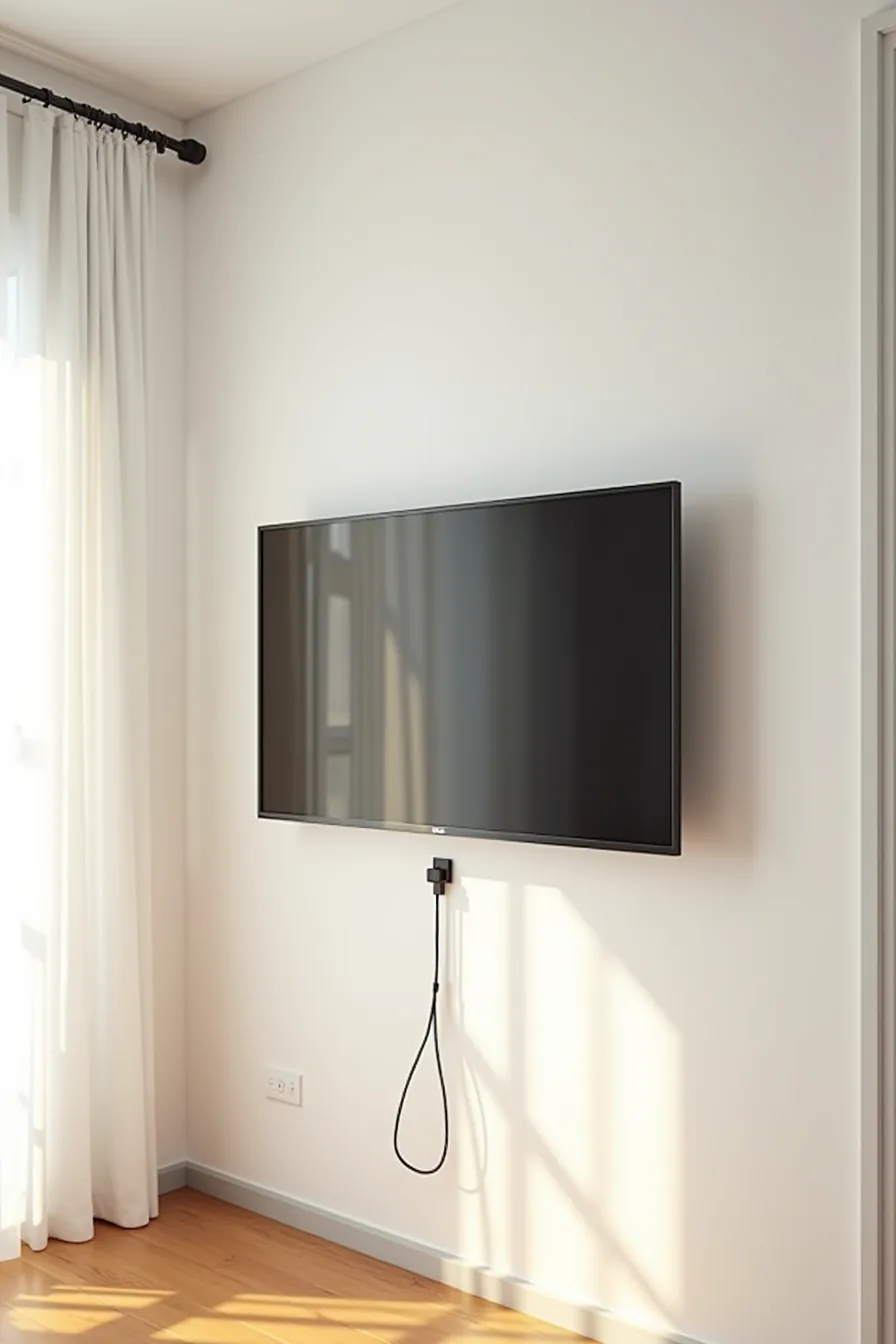
A tilting metal bracket arm fixes the TV flush against the drywall, freeing the floor entirely. This setup suits small living rooms, narrow hallways, or any space where a console would choke walking paths. You gain roughly 18–24 inches of usable depth back, which makes a meaningful difference in rooms under 10 feet wide.
The horizontal metal rail below the screen is the backbone of this approach. Zip-tie the three coiled cables to it so power and HDMI leads run flat against the wall instead of dangling. Before you commit, locate your wall studs, a solid anchor point is non-negotiable for anything over 40 pounds.
Most brackets handle 50–130 pounds, but the mounting screws must bite into wood or metal studs, not drywall alone.
Who it suits: Renters can use damage-free mounting plates that leave only small pin holes, though verify your lease terms first. Homeowners who prefer an uncluttered aesthetic will appreciate the clean sightline. Budget-wise, a basic fixed bracket runs $20–$50, while a tilting model costs $60–$150.
Factor in a professional installer at $100–$200 if you doubt your stud-finding skills, a dropped TV is a far pricier mistake.
Open Shelving on a Single Frame
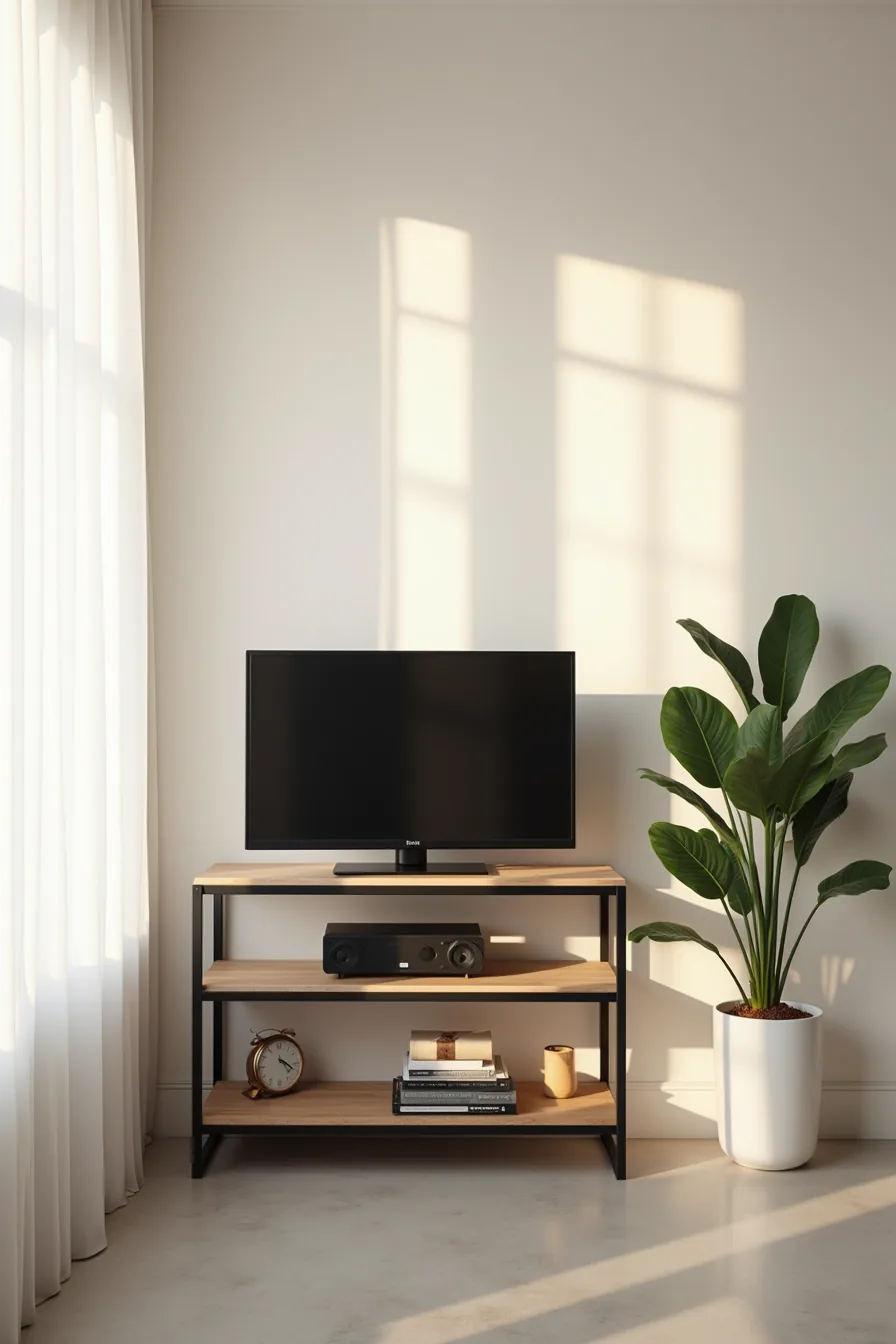
A two-tier steel frame keeps your minimal media setup honest: the TV rests on the top shelf, a single speaker on the lower one, and everything else stays off. That concrete floor beneath it isn’t an accident, exposed flooring makes the open structure feel intentional rather than unfinished. You’re left with roughly 12–16 inches of usable depth per shelf, which suits a soundbar, streaming box, or a few books, but not a full AV receiver.
The frame’s weight capacity hinges on the shelf material, solid wood holds 50–80 pounds per tier, while particleboard tops out closer to 30–40. Match your TV’s weight before buying; a 55-inch model often lands in the 25–40 pound range, so verify the spec sheet. Styling rule: one object per shelf, max three.
Anything more reads as storage, not simplicity.
Who it suits: Small-to-medium rooms where you want the TV at eye level without a bulky cabinet. Budget route: a powder-coated steel frame runs $60–$120. Renter-friendly: no wall anchors needed, and it breaks down flat for moves.
Long-term investment: upgrade to a solid oak version at $250–$400, it ages better and supports heavier screens. Dust collects on exposed shelves weekly; a microfiber cloth handles it in under two minutes.
Low-Profile Console with Closed Base
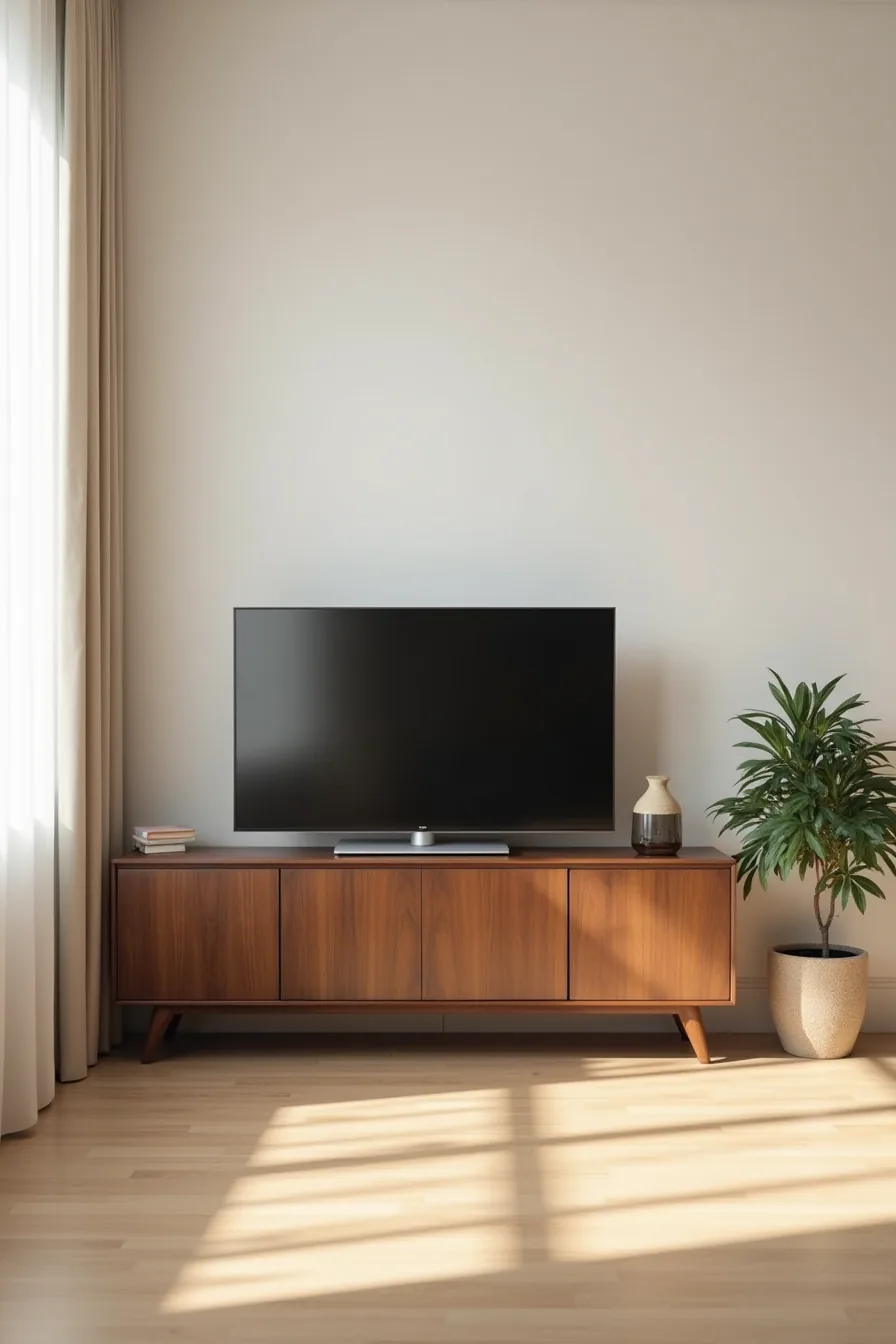
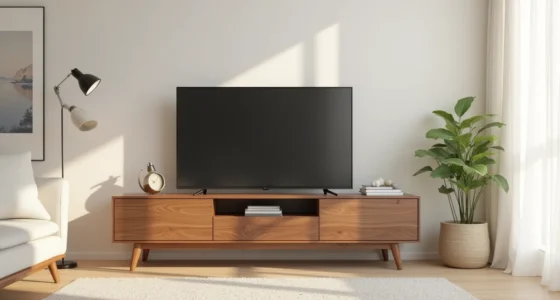
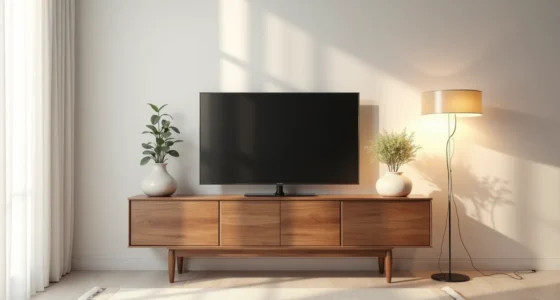
The walnut console in this setup runs about 48 inches wide with a depth of 15–18 inches, creating a horizontal anchor that visually widens a narrow room. Closed cabinet doors conceal the cable mess and components you don’t want to see, that’s the practical definition of less storage more space: you gain a clean line, not a display shelf. The potted plant beside it softens the wood’s straight edge without competing for attention.
You’ll want the console’s width to land within 6–10 inches of your TV’s width on either side. If your TV is 55 inches, that pushes the console to 67–75 inches, choose accordingly. Height matters more than depth: keep it under 20 inches so the center of the screen sits at seated eye level (roughly 42–48 inches from the floor).
A closed base means you lose open access to components, so set up your streaming devices and receiver before you push the console flush against the wall; sliding it out every time to reach the HDMI port defeats the purpose.
Who it suits: Medium and large living rooms with mid-century or transitional furniture. The walnut finish works best on light floors and with warm accent colors. Budget: laminate clean-line consoles run $150–$300; solid walnut versions cost $700–$1,200 and last 20-plus years.
It’s not renter-friendly for a single person to move, expect 50–70 pounds and two-person assembly. Cables hide behind the closed doors, but you’ll open them weekly to reset a streaming stick or check for dust on the shelf tops.
Floating Shelf with Concealed Mounting
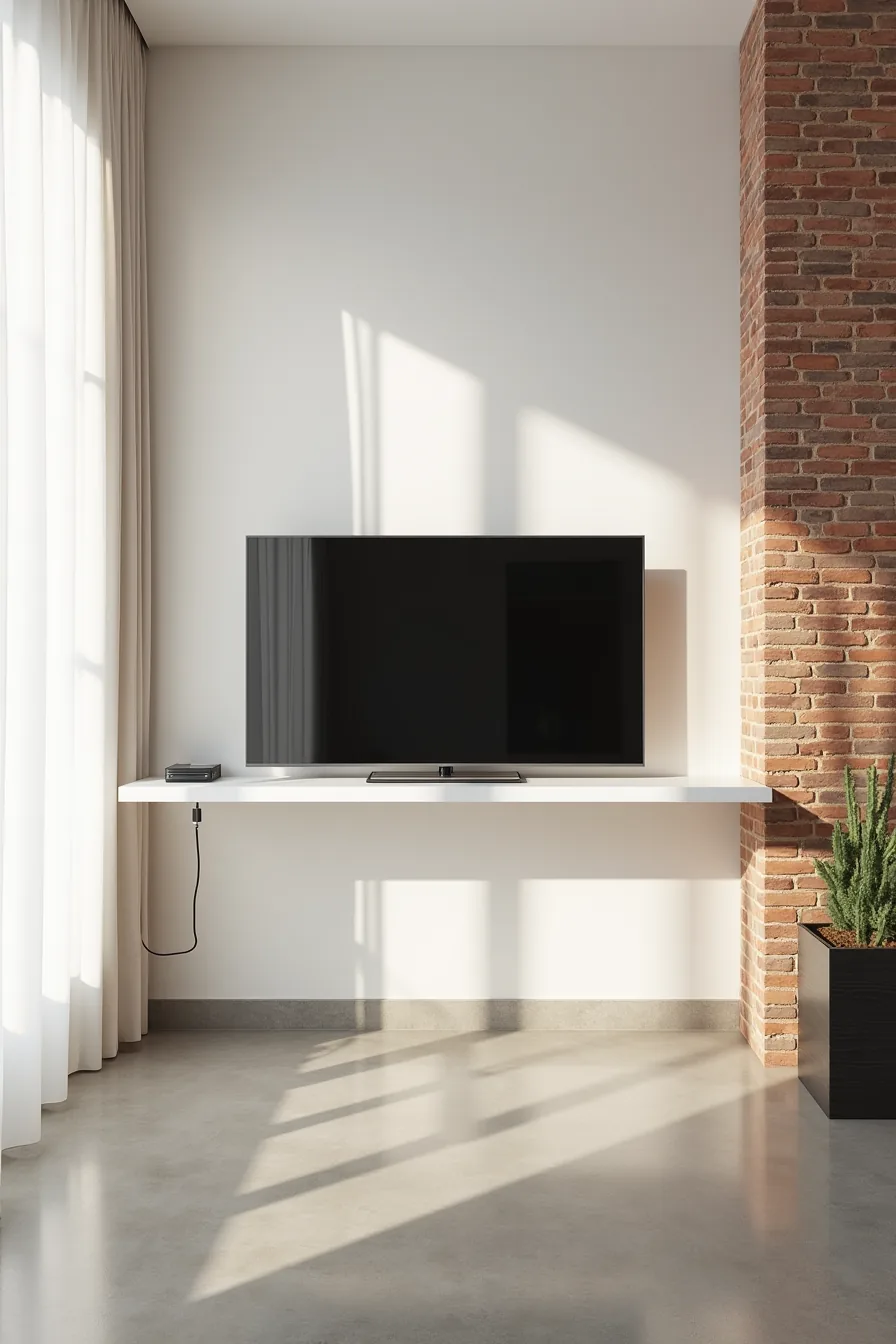
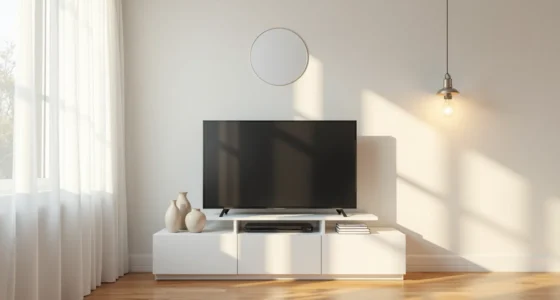
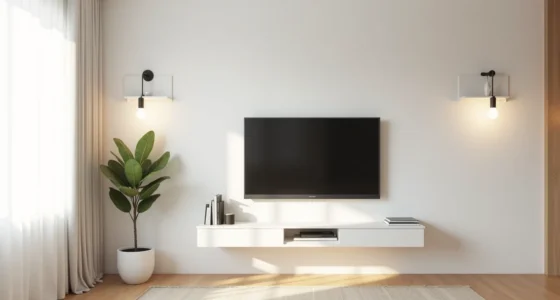
A single white floating shelf on a narrow brick wall transforms a TV into a visual anchor without stealing floor space. The shelf’s thin profile, typically 2–3 inches thick with a depth of 12–16 inches, carries the flat-screen TV while the concealed cables vanish into the wall, leaving only clean masonry and polished concrete below. That absence of visible supports is what makes the setup feel architectural rather than temporary.
This route demands a load-bearing wall: brick, concrete, or solid studs. Use toggle bolts or masonry anchors rated for at least double the combined weight of the shelf and TV, a 55-inch model with a shelf runs 60–80 pounds, so choose hardware rated for 150 pounds or more. If you can’t cut channels into the wall for the cables, a cord cover painted to match the brick is the honest fallback; it breaks the illusion slightly but remains tidy.
Who it suits: Renters with permission to drill (and patch later) or owners in narrow spaces where a floor stand would block circulation. A floating shelf keeps the walking path clear in a 10-foot-wide room. Expect $80–$200 for the shelf and hardware, plus $50–$150 if you hire someone for the cable concealing.
The trade-off: no storage for components, so streamers and game consoles must sit elsewhere or mount behind the TV.
Angled Pedestal Base for Compact Footprints
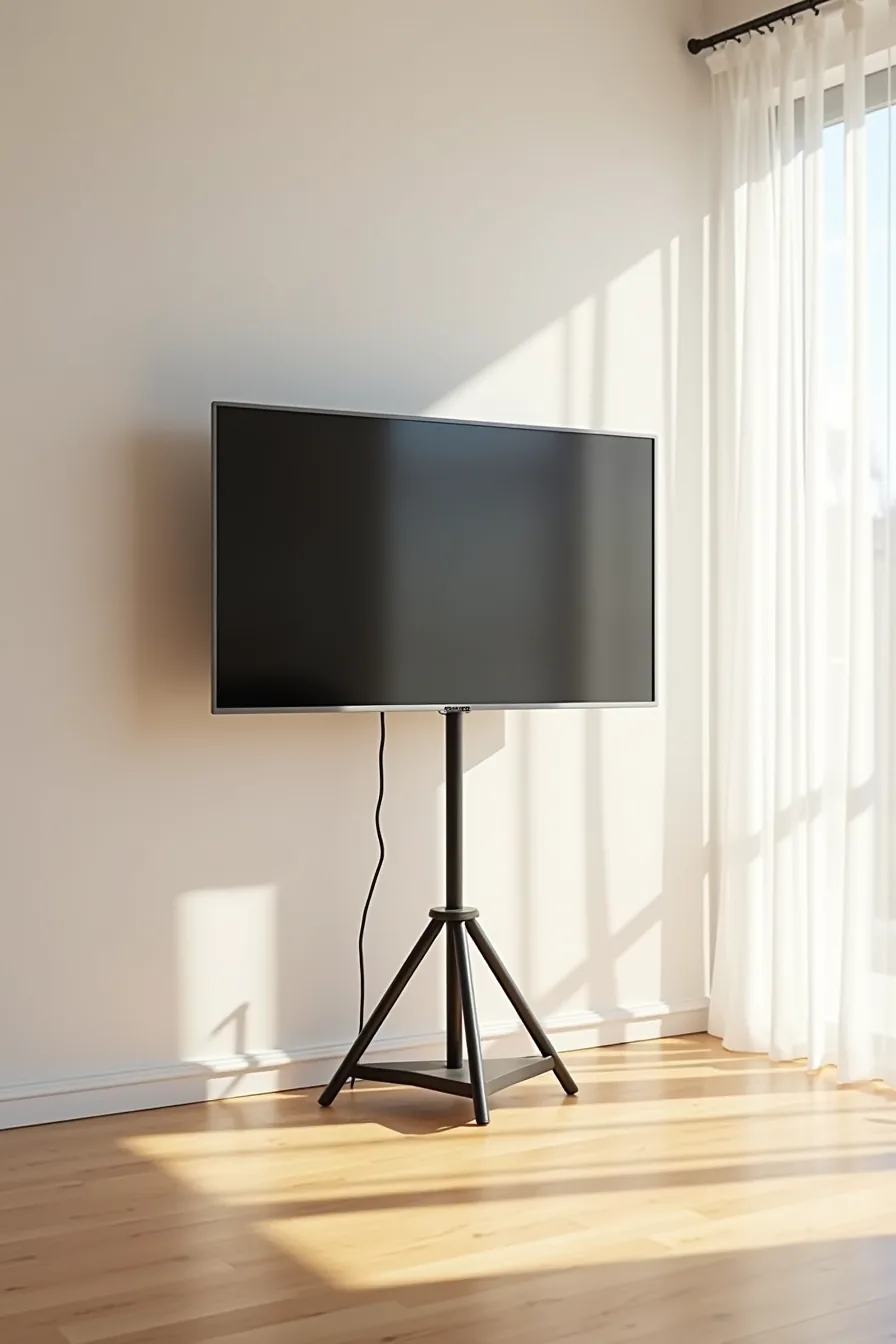
A single angled metal pedestal with tripod-style legs splayed outward occupies roughly one square foot of floor space, versus the 4–6 square feet a typical rectangular media console claims. The column leans back slightly to counterbalance the TV’s weight, which lets the center of gravity sit over the leg spread rather than behind it. That geometry is why a 55-inch panel feels stable on a base that looks almost too minimal to hold it.
The black pedestal in this setup carries the cables down the column’s interior channel to a small base unit resting on light wood flooring. That base unit, no taller than 6–8 inches, holds a streaming box or game console without becoming a second piece of furniture. Expect to pay $150–$400 for a quality pedestal with a VESA plate that fits 200×200 to 400×400 mounting patterns.
Who it suits: Apartments with under 200 square feet of living space, or rooms where you need the floor area for foot traffic, a playpen, or a pet bed. The trade-off is storage: you get surface space for one or two components, nothing more. Check the base’s footprint against your TV’s weight, most pedestals in this style safely support 40–90 pounds, so verify your panel’s weight before buying.
Modular Stackable Units for Flexible Layouts
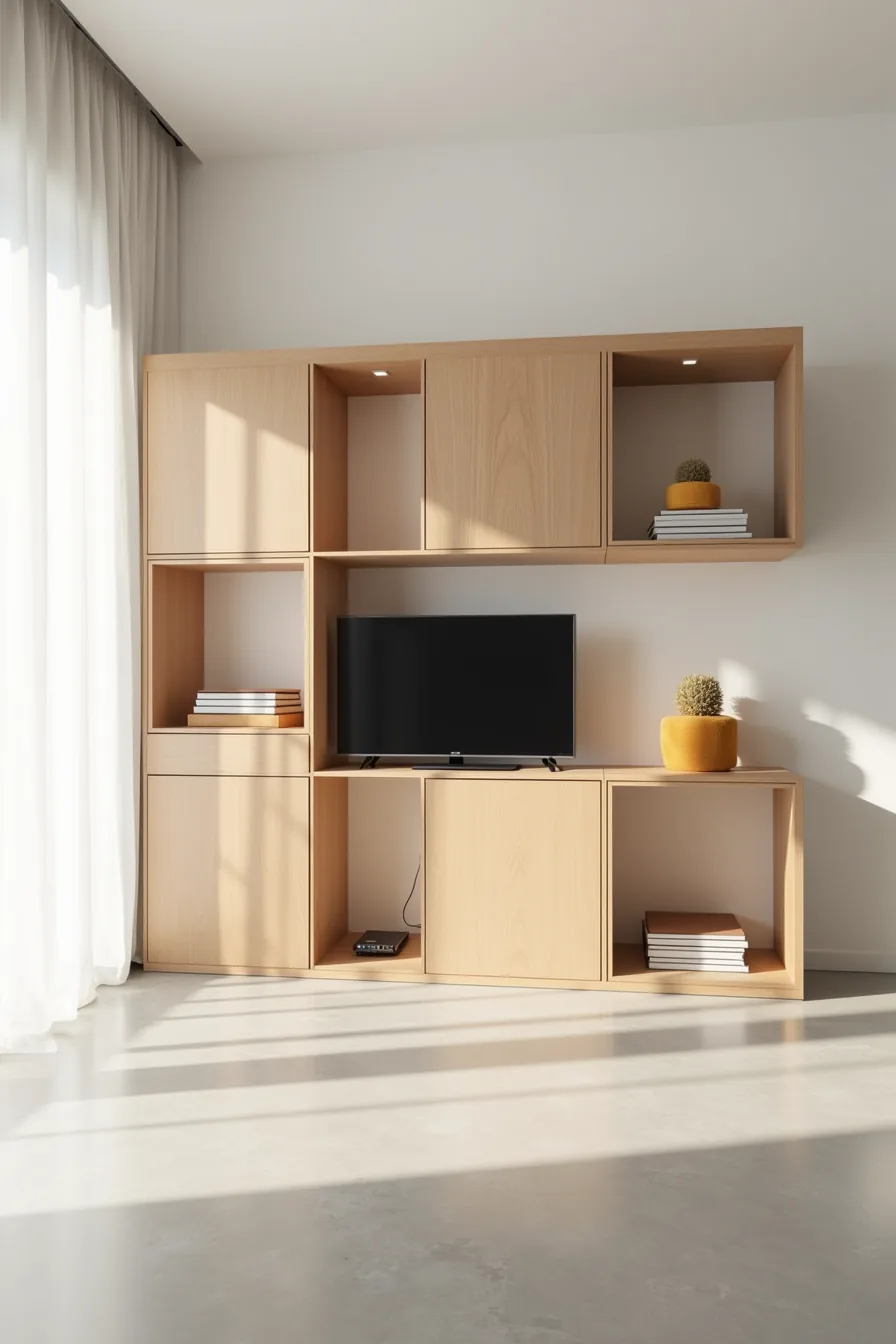
Six light-oak cube modules arranged in a 2×3 grid give you 18 cubic feet of storage while keeping the visual weight low against a white wall. The flat-screen TV sits inside the center cube opening at eye level, with two cubes holding small decorative boxes to break up the uniformity. Because each module is a separate piece, you can reconfigure the layout when you move, a 2×3 stack becomes two 1×3 columns or a single 6-cube row without buying anything new.
Stacking limits matter: most cube units rated for vertical use support 50–75 pounds per shelf but only 20–30 pounds per cube when stacked three high. Keep the TV under 40 pounds if it rests inside a cube, and anchor the top row to the wall if you’ve children or pets. Expect to pay $80–$200 for a six-cube set in laminate or MDF; solid-wood versions run $300–$600 and survive multiple moves without corner damage.
Who it suits: Renters who move every 1–3 years, or anyone who wants to rearrange storage without committing to one layout. The exposed shelves collect dust visibly on dark floors, so factor in weekly wiping if you skip cabinet doors. For larger TVs over 55 inches, place the stack lower and set the panel on top instead of inside a cube, the open grid reads as cluttered behind a big screen.
What to do first
Before you buy anything, measure your TV’s width and the distance from your seating position. Your stand should be at least a few inches wider than the TV, and the screen center should sit roughly at eye level when you’re seated. Then, check your room’s traffic flow, leave at least 24–36 inches of walking space in front of the stand.
Start with one non-negotiable: choose a piece that hides at least half of your cables, whether through built-in grommets or a simple clip-on cord cover. That single decision will do more for a clean look than any finish or material. Pick the option that fits your budget and lease terms, and commit to it this week.
Frequently Asked Questions
What is the minimum clearance needed between a TV and a simple stand for ventilation?
Keep at least 2–4 inches of open space above and behind the TV. This prevents heat buildup, especially for plasma or larger LED models. For closed-back stands, add 1–2 inches more.
Can I use a simple TV stand in a rental without drilling into walls?
Yes. Choose a freestanding console with a low profile, or use a floor-standing TV mount. For wall-mounted floating shelves, use heavy-duty adhesive strips rated for 20–50 pounds, but verify your lease terms first.
How do I hide cables on a minimal media setup without a closed cabinet?
Use a cord cover raceway that adheres to the back of the stand, then route cables through a central channel. Bundle excess length with Velcro ties behind the unit. For wall-mounted TVs, run cables inside a paintable conduit down to the stand.
What is the typical weight limit for a floating shelf TV stand?
Most wall-mounted floating shelves designed for TVs support 40–80 pounds, but this depends on stud spacing and anchor type. Always check the manufacturer’s rating and use a stud finder. If your TV exceeds 80 pounds, opt for a floor-standing unit instead.