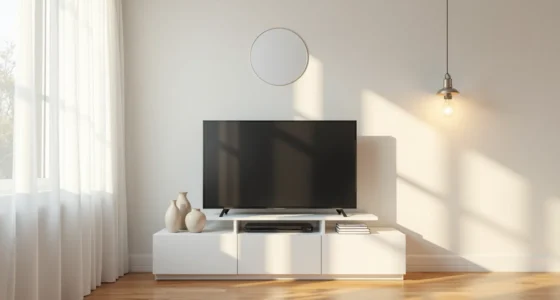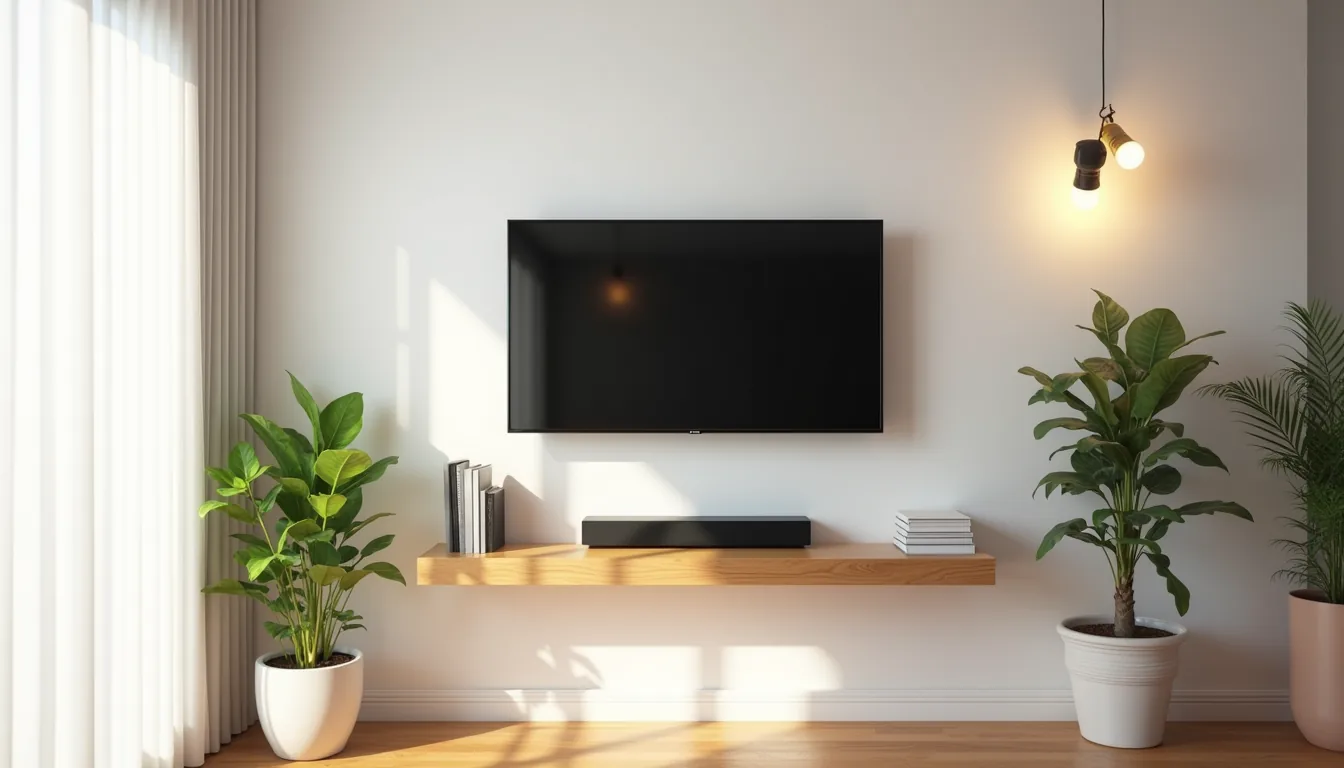
The right living room TV stand does more than hold your screen, it anchors the entire space, dictates traffic flow, and absorbs the daily clutter of remotes, consoles, and cables. Yet most guides treat it as a single style when six distinct approaches exist, each with specific size, material, and budget trade-offs. You’ll find your match among floating shelves, closed cabinets, open frames, and repurposed pieces, provided you first measure your wall and seating distance.
Key takeaways
Measure first: Your TV stand should be 6–10 inches wider than your TV, and its top edge should sit at or slightly below your seated eye level (typically 40–46 inches from the floor). Match the scale: In a small room, choose a wall-mounted or shallow stand (12–16 inches deep) to keep walkways clear; in a large room, a low console under 18 inches tall anchors the wall without blocking sightlines. Prioritize ventilation: Leave 2–4 inches of open space behind your console for cable boxes and gaming consoles, or choose open shelving to prevent overheating and dust buildup. Renters, go modular: Opt for a freestanding unit with legs or casters that you can disassemble, and avoid wall-mounting unless you’ve written permission and are prepared to patch holes.
Floating Wall-Mounted Stand for Compact Spaces
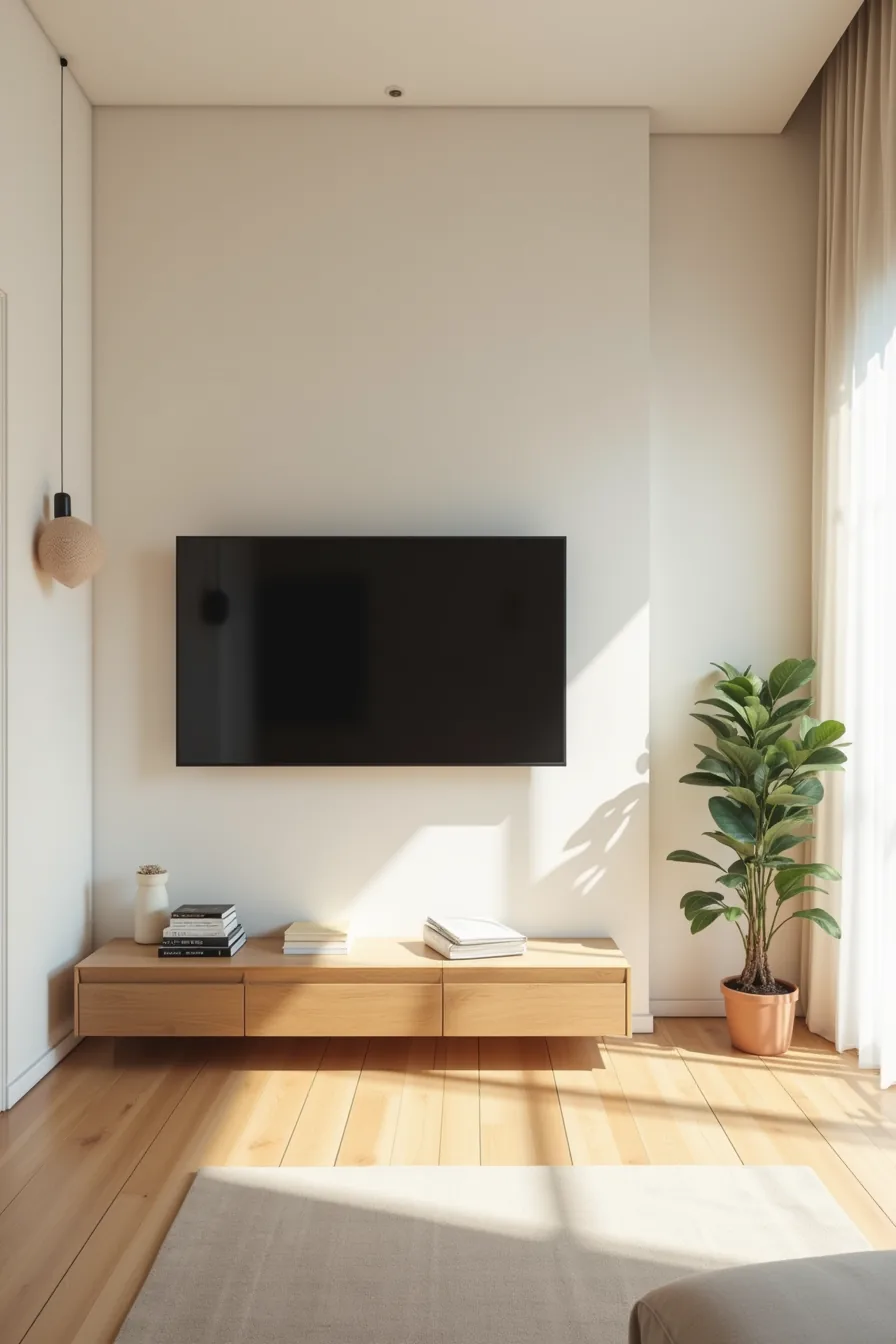
For rooms under 200 square feet, a floating wall-mounted living room tv stand eliminates the 12–18 inches of depth a floor console consumes. In the studio setup here, the 48-inch-wide television sits on an exposed metal bracket fixed directly to wall studs, leaving the floor completely open. That clear path matters: you can pull seating closer for viewing or push it back for guests without handling around furniture legs.
You need a bracket rated for your TV’s weight, most 48-inch models weigh 20–35 pounds, so a mount with a 75-pound capacity gives you headroom for a soundbar. The exposed studs indicate a plaster-free wall, which simplifies installation; if you’ve drywall, use a stud finder and never rely on anchors alone for a TV this size. This approach suits renters who can patch four bolt holes at move-out, and it frees floor space for a slim media credenza or a plant beneath, keeping the sightline from entrance to seating unobstructed.
Low Console with Open Shelving for Media Storage
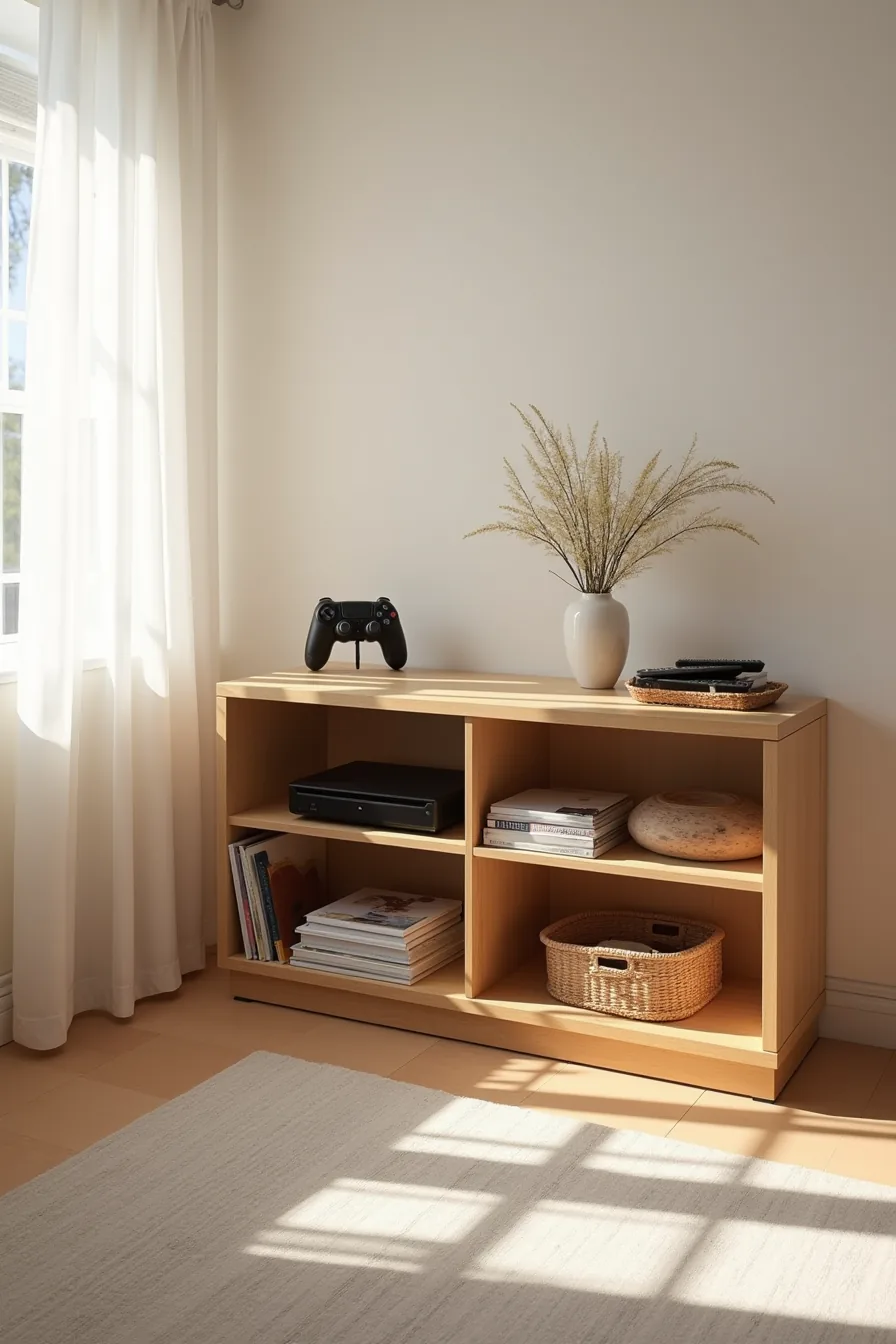
A 60-inch-wide low console gives you the storage you need without towering over the TV. The three open shelves in this setup match your media storage needs with visible organization: the cable box and game controller sit on the top shelf, remotes stack neatly in a small tray on the middle shelf, and a woven basket on the bottom shelf hides spare cords or accessories.
Open shelving works because it keeps frequently used items at arm’s reach, no cabinet doors to slide open mid-game. For a 55–65-inch TV, choose a console that measures roughly two-thirds to three-quarters of the screen width. Solid wood with a matte finish resists scratches from sliding controllers; expect to dust the shelves weekly, or use a tray per shelf to reduce cleaning time.
If your room is under 175 square feet, drop to a 48-inch console instead, you’ll keep proportion without crowding the seating area.
Match or Contrast Furniture: Wood Tone and Metal Choices
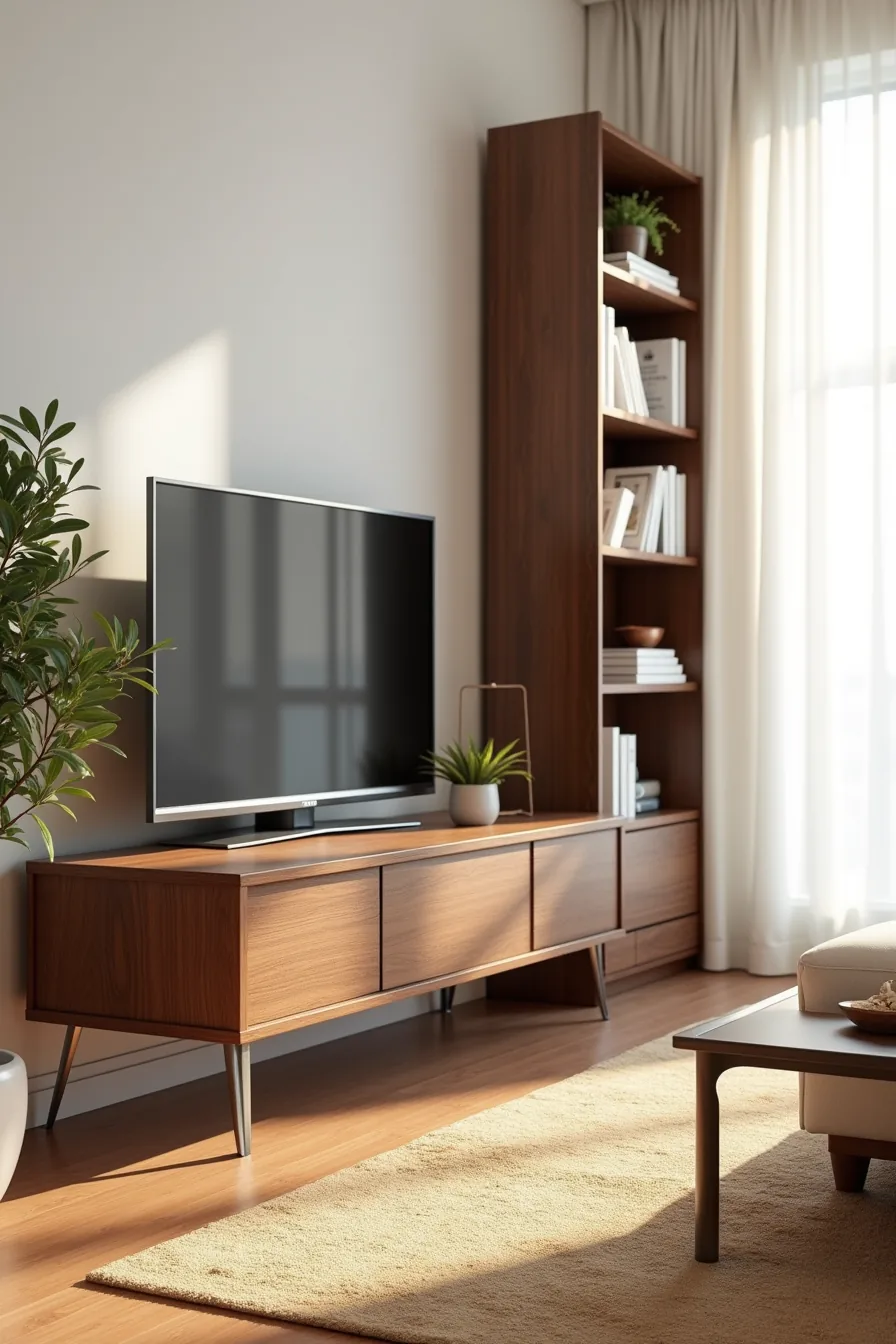
A dark walnut TV stand beside a matching walnut bookcase creates a cohesive anchor for a mid-sized living room, especially when both pieces share a brushed-metal frame on the legs. This match-or-contrast strategy works because it groups furniture into intentional pairs rather than forcing everything in the room to coordinate. If your existing pieces lean toward oak, maple, or other light woods, you’ve two paths: match the lighter tone for a smooth look, or contrast with walnut or espresso to add depth, just ensure the metal finishes align (brushed nickel with cool grays, oil-rubbed bronze with warm browns).
This setup suits a room where you want a library-like calm; it reads as collected, not decorated. To reproduce it, keep the bookcase within 12–18 inches of the stand so the grouping reads as one unit, and choose a rug that picks up the walnut undertone to anchor both pieces. For smaller rooms under 175 square feet, swap the bookcase for a floating shelf in the same wood tone, you get the visual pair without the floor footprint.
Dark woods show dust and fingerprints quickly; expect to wipe weekly with a dry microfiber cloth, and avoid silicone-based polishes that dull the finish over time.
Long Wall Proportions and TV Stand Placement
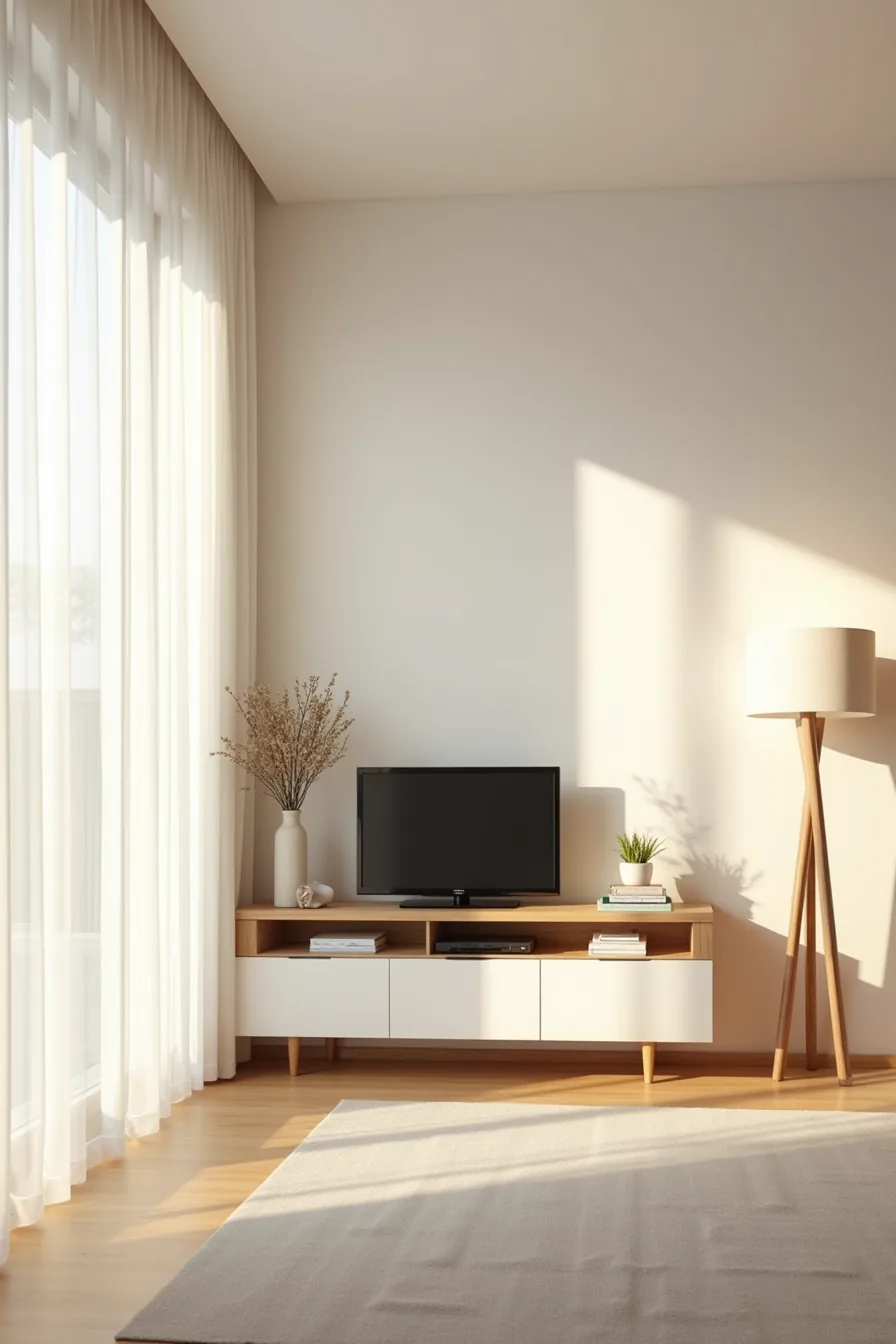
When your wall stretches past 15 feet, the TV stand becomes a component of the room’s composition rather than its centerpiece. On an 18-foot wall, a 72-inch stand positioned left of center works because it creates an intentional asymmetry, you anchor the viewing zone on one side while leaving the opposite expanse open. The floor lamp on the right side carries the visual weight, so the empty space reads as deliberate breathing room instead of an oversight.
You’re balancing mass, not centering it.
For long wall proportions, the stand should occupy roughly one-third to two-fifths of the wall’s total length, never more. This leaves enough negative space for other furniture or art to register without competing for attention. Depth matters equally: on a long wall, a shallow 14–16-inch stand keeps the silhouette lean, whereas a 22-inch deep unit can make the arrangement feel heavy and cavernous.
Place the TV’s center at seated eye level (typically 42–48 inches from the floor) to keep the composition grounded. If you’re working with a wall over 20 feet, extend the lamp to a taller arc floor model or add a second accent chair on the empty side, the goal is to distribute interest across the full span, not just where the screen sits.
Renter-Friendly Modular and Portable Options
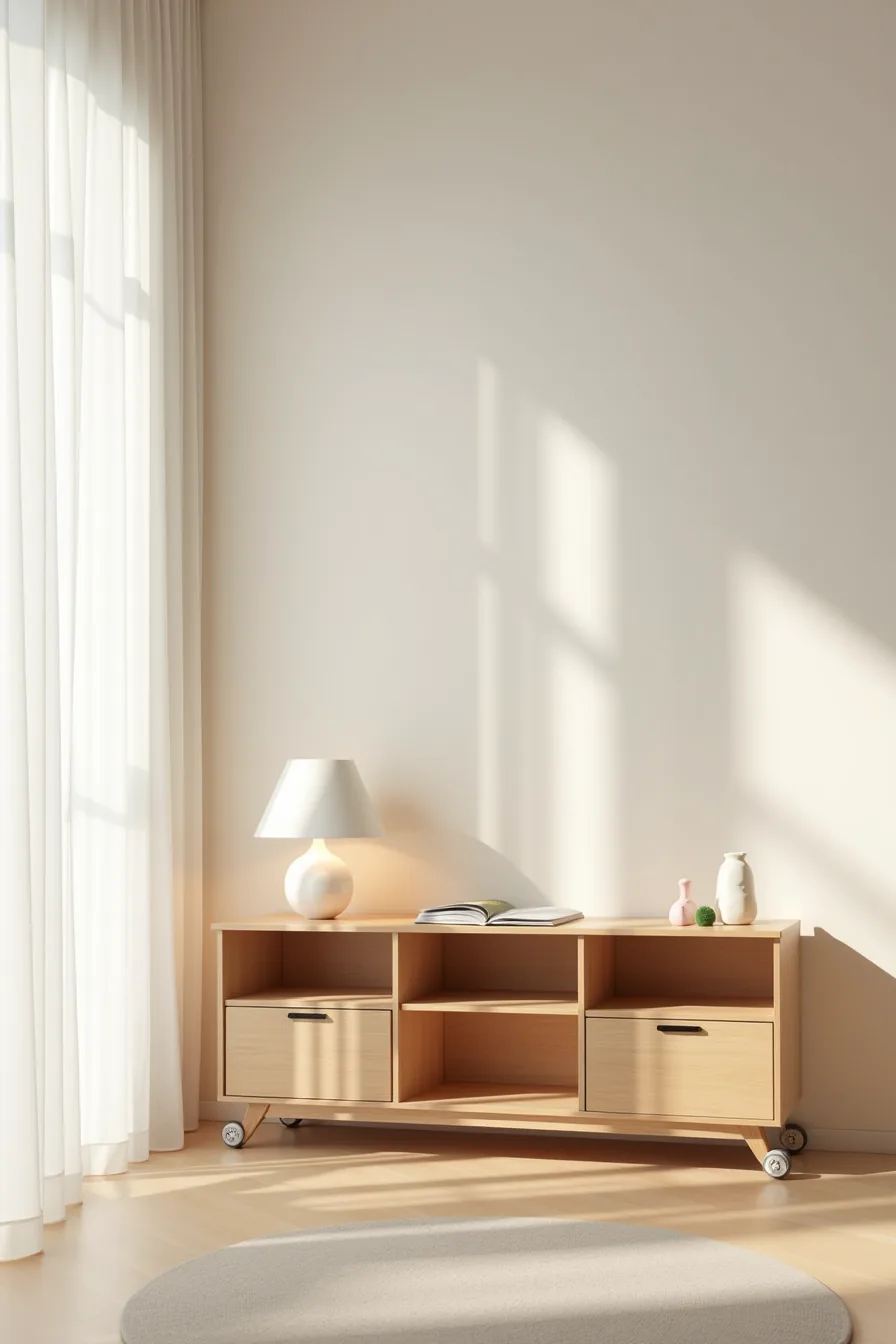
When drilling into drywall isn’t an option, a modular freestanding unit with four separate wooden cubes becomes your best workaround. Each cube stacks independently, and the rolling casters on the bottom let you reposition the entire arrangement without lifting a single piece. You get the visual weight of a built-in media wall with none of the permanent commitment.
The offset cube, pushed slightly forward rather than flush with its neighbors, breaks the grid pattern and gives the silhouette a designed, intentional look. You can reconfigure the blocks into a low horizontal line for a wide wall or a taller column for narrow corners; a 60-inch span works well for most 55-inch TVs, while smaller 43-inch screens suit a three-cube configuration. The casters handle hardwood and low-pile carpet easily, though they may catch on plush shag.
You can also swap the TV to a different cube whenever your viewing angle needs to change, no tools required.
Living Room TV Stands for Flexible Family Spaces
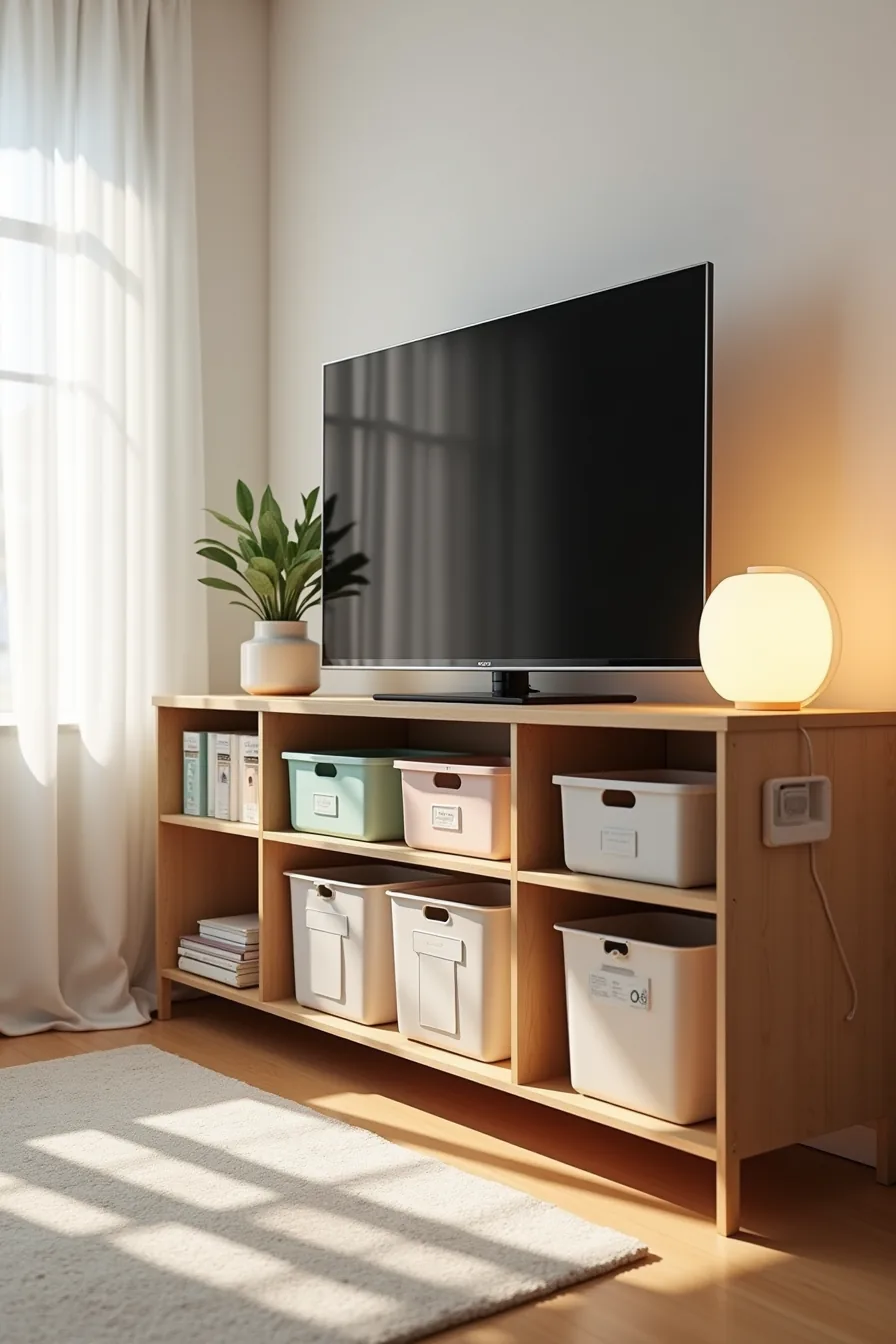
A family room changes character daily, play zone at noon, movie theater by nightfall, so your TV stand needs to shift with it. Adjustable shelves are the key feature here: you can raise the middle shelf to clear taller toys or drop it to create a low surface for board games, adapting the layout as your children grow or your storage needs evolve.
The setup that works best combines open cubbies for quick cleanup with closed lower cabinets for the items you don’t want on display. Toy storage bins in primary colors slide into the accessible middle shelf, keeping blocks and action figures within a child’s reach while the bottom row handles cable management clips and labeled wire organizers that hide the tangle of HDMI and power cords behind closed doors. The top shelf holds the TV at eye level, and the adjustable middle tier means you’re not locked into one configuration as your entertainment equipment changes.
Choose a unit with soft-close hinges and wipeable laminate surfaces, family room life involves sticky fingers and errant juice boxes, and a matte finish hides smudges far better than glossy lacquer. If your family includes toddlers, anchor the stand to the wall with anti-tip straps; the extra weight of toys climbing the shelves makes this non-negotiable. Look for units with at least one open and one closed storage zone, and verify the shelf weight rating handles your heaviest electronics before committing.
Where to start
Measure your wall width and viewing distance before you browse a single product photo. That single number, the space between your sofa and where the stand will sit, dictates whether you need a slim console, a deep media unit, or a corner configuration. Most living rooms work best with a stand 6–12 inches narrower than the TV, and a viewing distance roughly 1.5–2 times the screen’s diagonal.
Pick the one idea from the six above that solves your biggest constraint first: budget, floor space, or storage. Then set a 20-minute timer and measure twice before you commit.
Frequently Asked Questions
What is the standard height for a TV stand in a living room?
Most stands range from 18 to 24 inches high, placing your screen’s center at eye level when seated. For larger TVs, choose a lower stand, around 16-20 inches, to avoid neck strain.
How do I hide cables and cords behind a TV stand?
Use a cord cover kit that adheres to the wall, then route cables through a channel down to the stand. Alternatively, mount a power strip inside the stand’s back panel and use zip ties to bundle excess length.
Can I use a TV stand on carpet, or does it need a hard floor?
Yes, you can use it on carpet, but ensure the stand has adjustable feet or levelers to prevent wobbling. On thick pile carpet, place a rigid board under the feet to distribute weight and maintain stability.
What is the difference between a TV stand and a media console?
A TV stand is specifically sized and built to support a television, often with a lower profile. A media console is a broader, taller piece designed for storage of electronics, games, and décor, and may not be TV-rated for weight or ventilation.