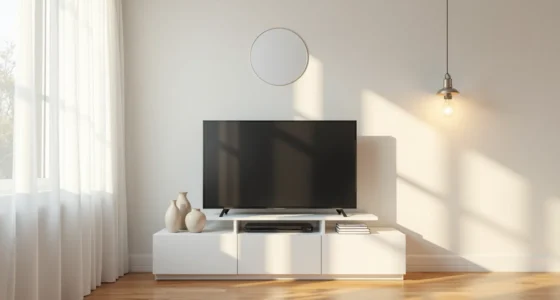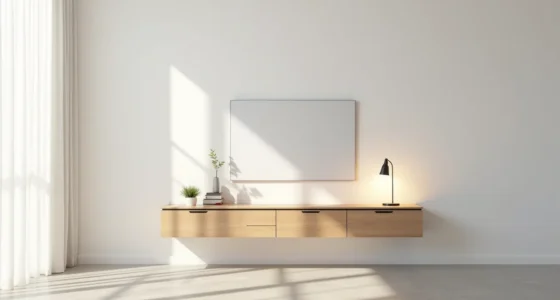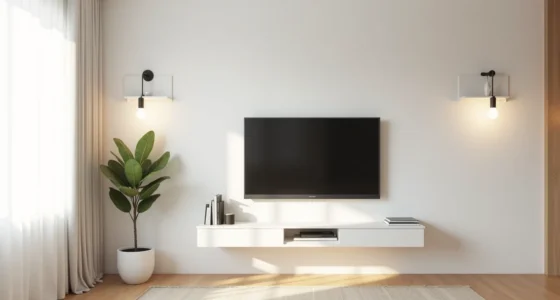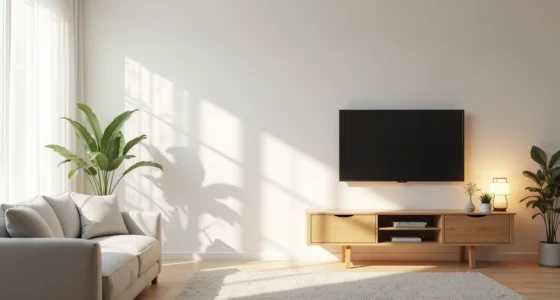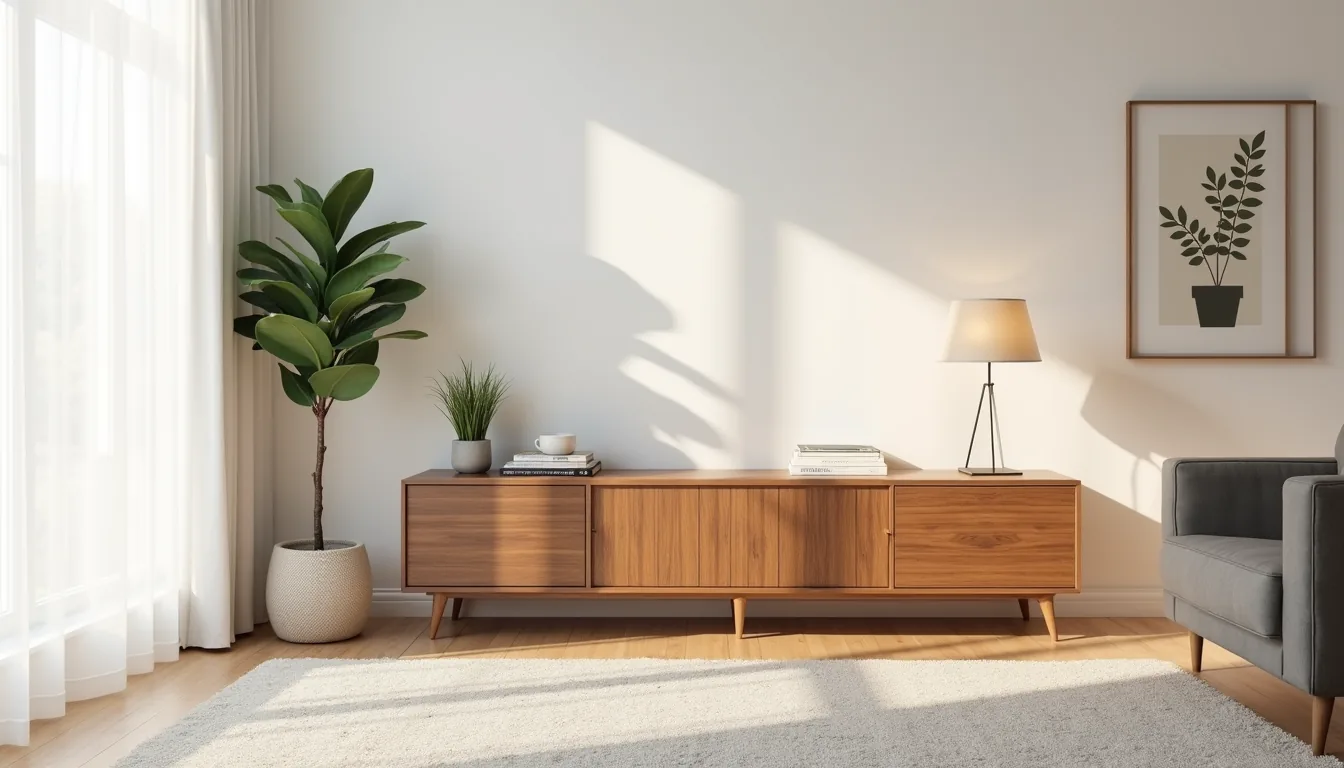
A media console is the structural bridge between your television and the room around it, but its design can range from a closed cabinet that hides every cable to a floating shelf that puts the screen itself on display. That range is the point: the right choice depends less on trends and more on your wall structure, room size, and how much gear you actually own. Below are six distinct approaches, each with the scale, materials, and maintenance requirements you need to know before you commit.
Key takeaways
- Closed-front consoles hide routers, game consoles, and tangled cords behind solid doors, making them the best pick for living rooms where visual clutter is the main concern.
- Open-shelf media consoles suit users who regularly swap streaming devices or want to display décor, but expect to dust components weekly and keep cables tied with velcro straps to avoid a messy look.
- Floating consoles require mounting into wall studs (not drywall alone) for safety, so renters should instead use a heavy low-profile sideboard with anti-tip brackets to achieve the airy effect without permanent damage.
- Scale your console to your TV size by choosing a piece that’s at least two-thirds the width of the screen and leaves 4–6 inches of breathing room on each side, preventing a top-heavy or dwarfed appearance in small, medium, or large rooms.
The Closed-Front Media Console for Device Concealment
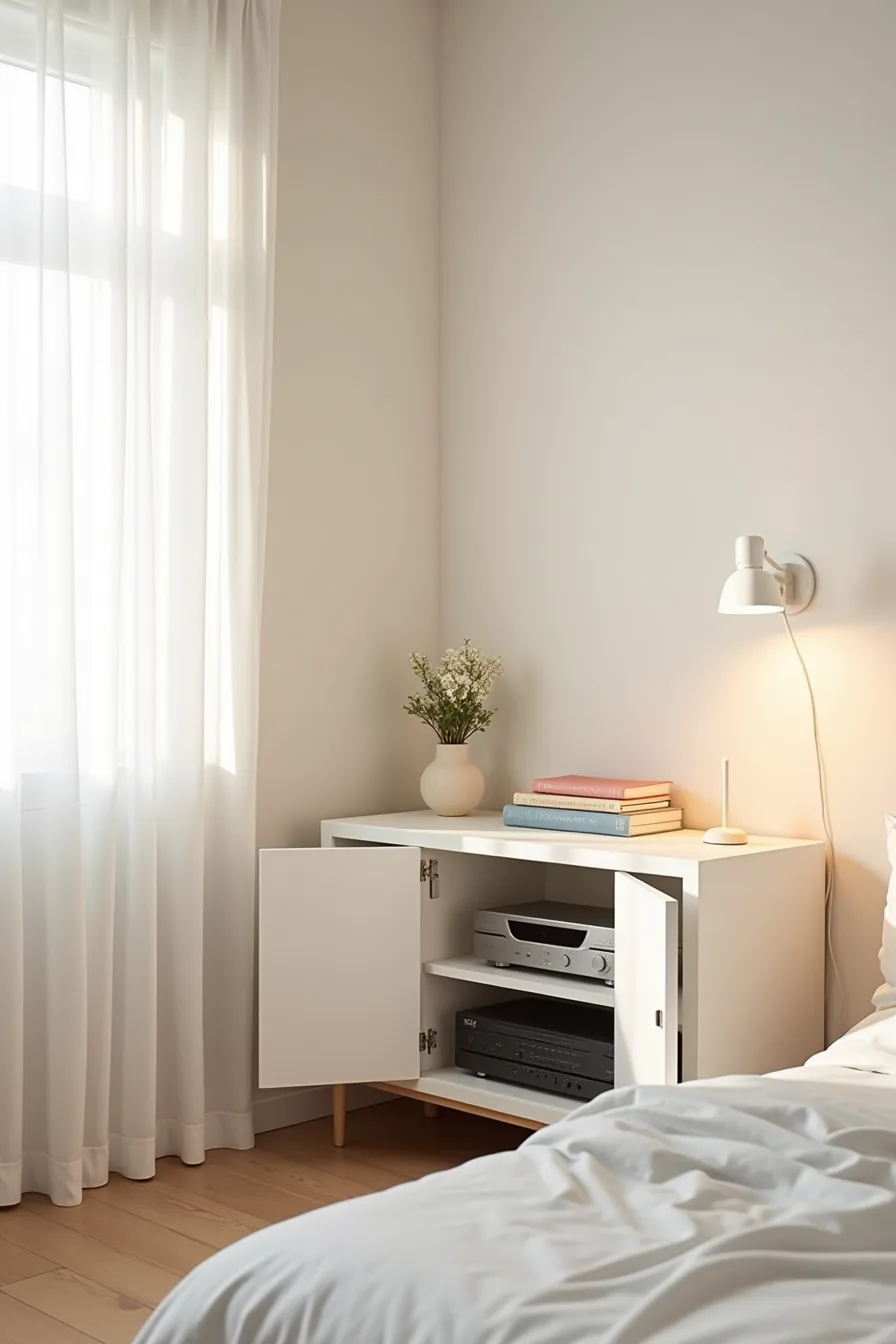
A low white lacquered console with two pairs of hinged doors delivers the cleanest possible sightline in a bedroom or living room. When one door stands ajar, you see exactly what the closed panels hide: stacked electronics, coiled cables, and the modest visual chaos of everyday streaming gear. That contrast is the point, closed, the unit reads as pure furniture; open, it proves function lives inside.
This approach suits you if visual calm outweighs quick remote access. Because you must open a door to change inputs or reach a gaming console, budget for a remote-controlled power strip or an IR repeater; otherwise, you’ll leave the doors permanently open and defeat the purpose. In a small room, keep the console depth under 16 inches so it doesn’t eat walking space.
In a large one, extend the width to 60–72 inches and anchor it beneath a wall-mounted screen that spans roughly two-thirds of the console’s length.
Material durability trades off against cost. Lacquer resists scratches and wipes clean, but it fingerprints visibly and costs more. Matte laminate or painted MDF offers similar concealment at a lower price, though it dents more easily behind heavy receivers.
Match the finish to your baseboards or trim, white lacquer reads intentional against white walls, while a walnut veneer warms a gray-toned space. Ventilation matters too: solid doors trap heat, so choose a unit with rear cutouts or leave a 2-inch gap behind the cabinet to keep electronics within safe operating temperatures.
Open Shelving: Displaying Devices and Décor Together
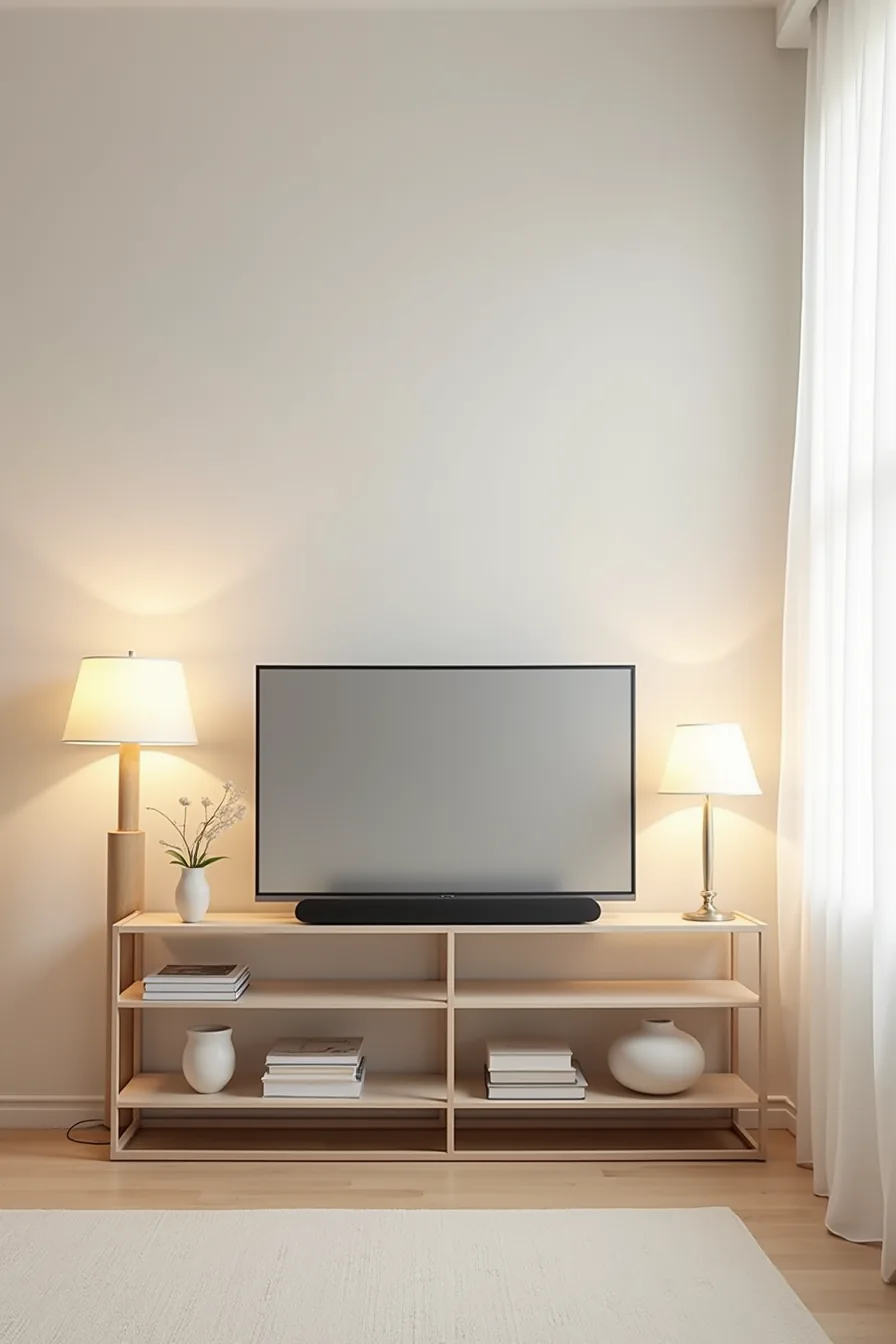
An open-shelf media console, like a three-tier metal frame unit holding a soundbar, ceramic vessels, and a curved monitor on separate levels, turns equipment into part of the composition. The visual trick is grouping: cluster cables behind the soundbar, let the ceramics break the hard lines of the electronics, and keep the monitor’s screen dark when not in use so it reads as a surface, not a glowing rectangle. This route suits you if you curate objects deliberately and accept dusting every 7–10 days; exposed gear collects particles fast, and metal frames show smudges on the uprights.
Balance visibility with restraint by limiting open display to two device types and one décor category per shelf. Hidden vs visible devices isn’t a binary, hybrid units with one closed lower cabinet and two open upper tiers give you the best of both: daily-use gear at eye level, ugly peripherals tucked away. Budget-wise, powder-coated steel frames cost less than solid wood cabinets and survive moves well, but they amplify vibration, so isolate your turntable or hard drive with rubber pads.
In a renter scenario, this console needs no wall anchoring and leaves no holes, just keep the heaviest items on the bottom shelf to prevent tipping.
Floating Console Look Without Wall Anchoring
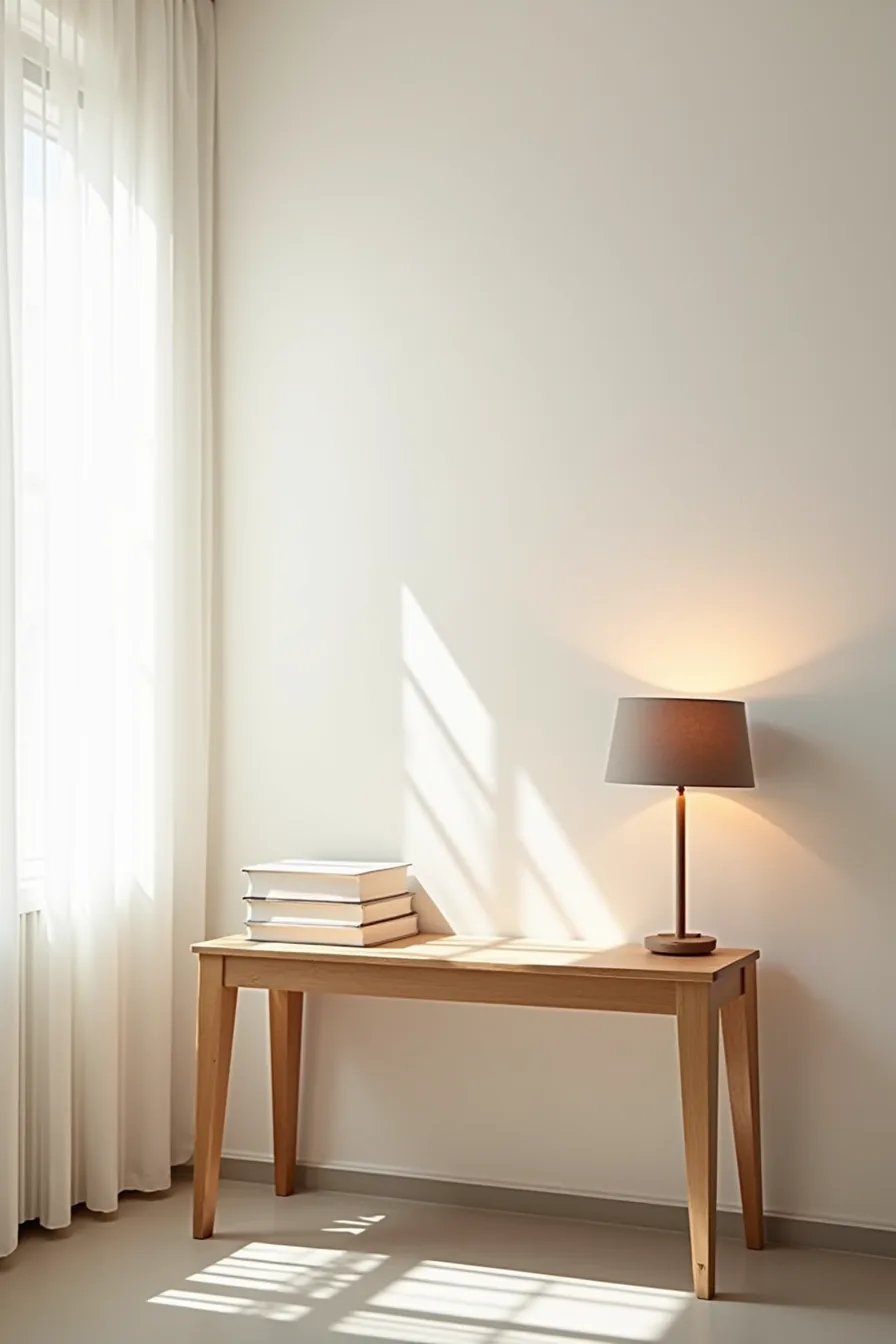
A light oak console with four tapered wooden legs delivers the airy floating console look without a single bracket or wall screw. Set 8 inches above a concrete floor in a studio apartment, the visible gap beneath makes the room feel larger and simplifies cleaning, you can sweep or mop the full floor area without moving furniture. Tapered legs are the key detail; they visually narrow toward the floor, which reads as lighter than a straight, blocky plinth.
Weight capacity is your limiting factor. Most four-leg consoles safely hold 50–80 pounds distributed evenly, so a 65-inch television mounted on top exceeds what the frame should carry. Instead, place the TV on its own stand and use this piece for a soundbar, streaming boxes, and décor.
For renters, leg-based designs leave zero trace, no patching, no drilling, but require a floor that can handle slight wobble; shim one leg with a furniture pad if the concrete isn’t perfectly level. If you need more storage, choose a version with a drawer beneath the surface; it keeps the gap visible while adding cable-routing capacity through a rear cutout.
Material and Finish Choices: Durability Versus Style
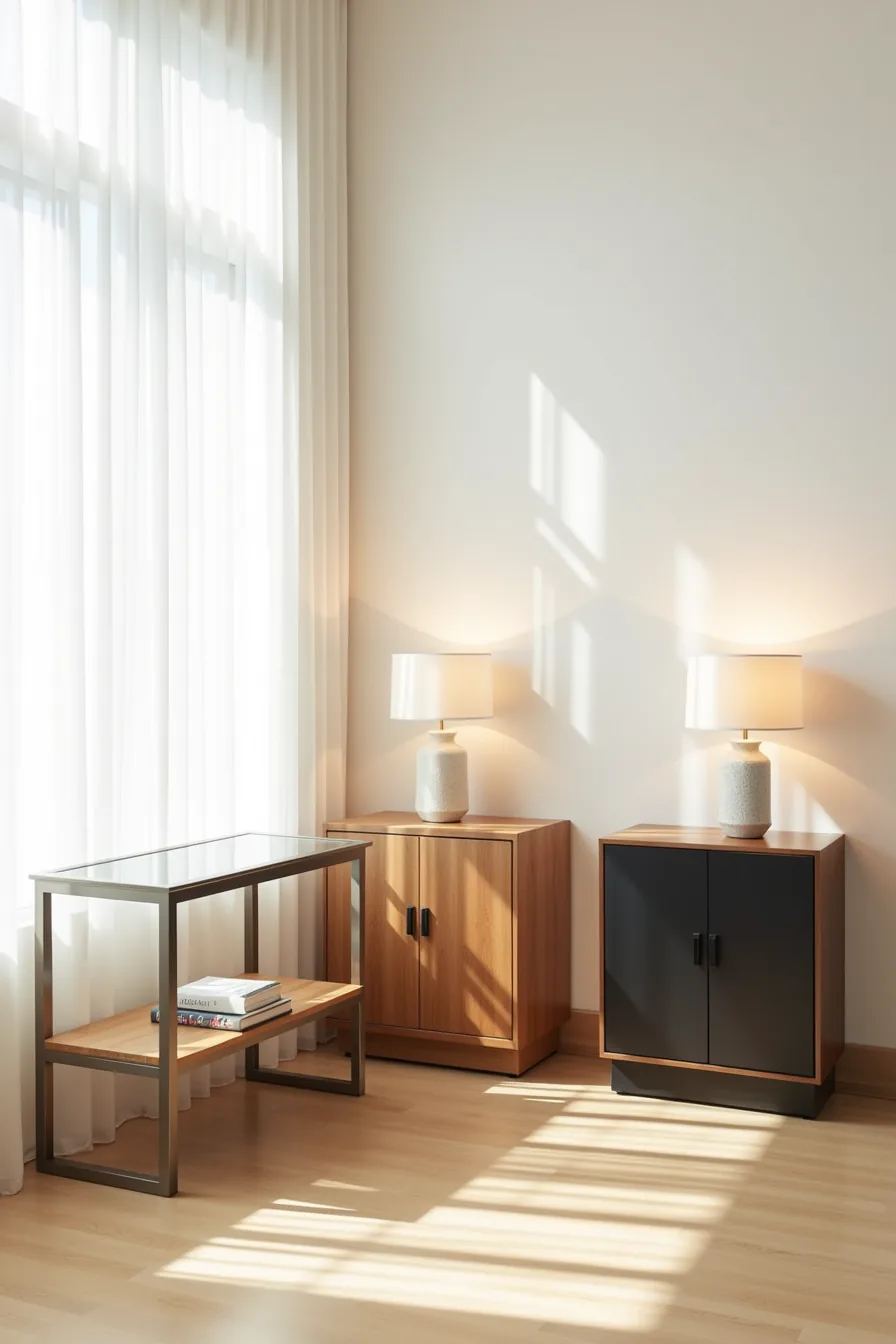
The three consoles in this setup illustrate the real trade-offs you face. The brushed steel frame with a glass top is the easiest to keep clean: a microfiber cloth handles dust weekly, and spills wipe off instantly. Heat dissipation is excellent, which matters if your receiver or gaming console sits directly on the surface, but glass shows every fingerprint and smudge, so daily dusting becomes a habit you’ll need to accept.
Budget for 10–15 minutes of wiping per week.
The solid reclaimed wood piece is the long-term investment. It hides dust well between cleanings, requires only an occasional furniture polish, and gains character as it patinas. However, solid wood absorbs moisture and can warp near a vent or under direct sunlight, so keep it at least 3 feet from heat sources.
Expect to tighten its hardware screws twice a year as the wood expands with humidity changes. The matte black composite unit suits renters on a budget, but you’ll notice a difference: composites hide scratches less readily than wood, and the matte finish marks from power brick vents if airflow is blocked behind the console. For console finish comparison, prioritize maintenance routine over appearance, glass costs you weekend time, wood costs you seasonal care, and composite costs you eventual replacement in the 5–8 year range.
Adapting Media Console Scale to Room Size
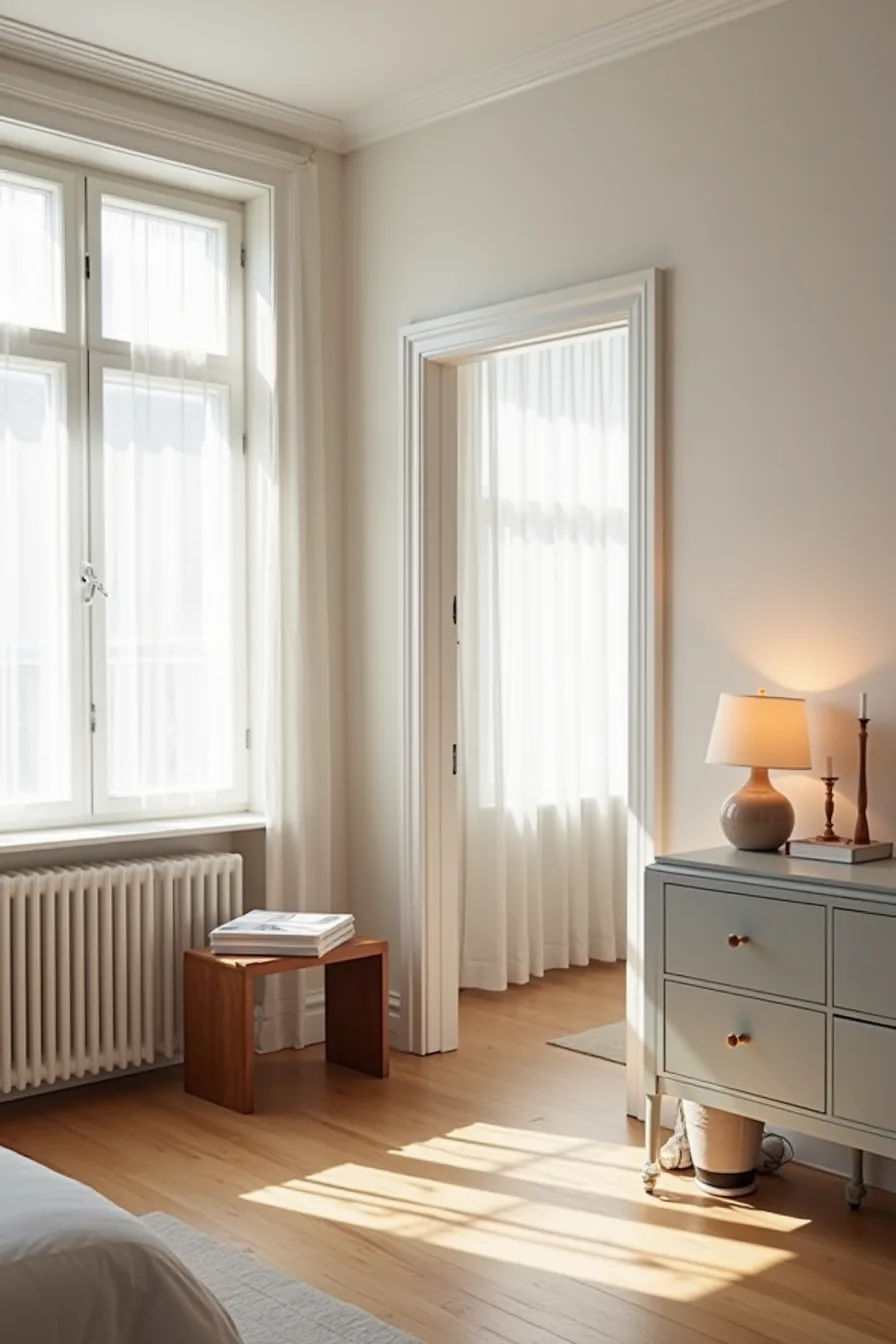
The compact walnut console in the studio anchors the room without overwhelming it. For small apartments under 500 square feet, a 30–40 inch wide unit with a depth of 12–16 inches keeps walking paths clear while holding a TV up to 50 inches diagonally. You lose drawer space, so plan on open shelving nearby for media storage.
The 72-inch light gray console visible through the open doorway serves a large living area properly. In rooms over 300 square feet, a console should span at least 60 percent of the wall behind the TV, a 60–80 inch width prevents the furniture from looking swallowed by empty wall space. Depth increases to 16–18 inches to accommodate larger equipment and deeper cabinetry.
For medium rooms in the 150–300 square foot range, a 48–60 inch console balances both extremes. Height stays consistent across all sizes: 20–26 inches for eye-level viewing when seated. Measure your TV’s width first, then add 6–12 inches on each side; that math reliably prevents proportion errors regardless of room size.
Weekend Refresh: Quick Styling and Cable Management
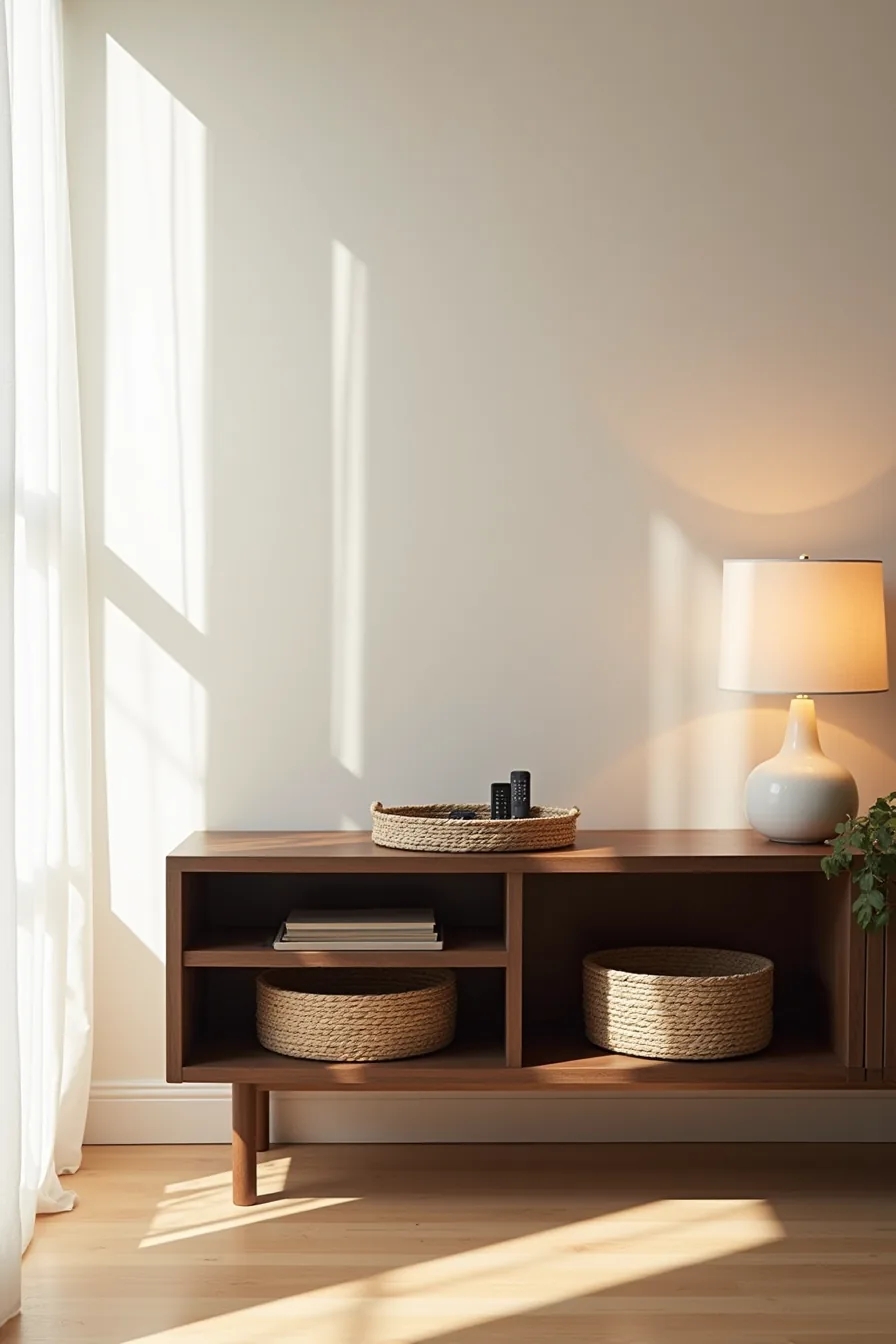
A weekend is enough to transform a cluttered media corner into a polished focal point, provided you stick to removable solutions. Start with the cables: gather exposed cords from your dark wood console into fabric cable sleeves, then secure the bundle to the back leg with clips. This takes roughly 20 minutes and costs between $10–25 for a kit of sleeves and clips; it eliminates the visual noise without drilling a single hole.
On the open shelves, drop in removable woven baskets to stash gaming controllers, spare HDMI cables, and batteries. Choose baskets with rigid handles so you can lift them out one-handed when you need something mid-show. Finish the top surface with a shallow decorative tray, ceramic or wood, to corral remote controls and prevent them from sliding behind the furniture.
The tray also gives you a defined landing zone, so the surface stays clear by habit rather than effort.
This approach suits renters and anyone who avoids permanent modifications, since everything reverses in minutes. It works best on consoles with open shelving or exposed legs; a solid cabinet with doors hides cables anyway, making the sleeve-and-basket routine redundant. If you upgrade later, the baskets and tray transfer to a bookshelf or entryway without losing function.
Your 60-Minute First Move
Start by measuring your wall space and TV width before browsing anything. That single number eliminates half your options instantly.
Next, decide your non-negotiables: closed storage for hiding cables, open shelves for display, or a mix of both. Write them down.
Then measure the distance from your seating position to the wall. This determines whether you need a low, long console or a taller, narrower piece. Most living rooms work best with consoles 20-26 inches deep and 24-30 inches high.
Your concrete next step: grab a tape measure, record those three numbers, and screenshot them on your phone. You’ll reference them every time you shop.
Frequently Asked Questions
What depth should a media console be to fit a TV stand and soundbar?
Choose 16–20 inches deep for a standard TV stand and soundbar. This leaves clearance for cables and rear connections while keeping the front flush. Deeper consoles over 22 inches suit larger AV components but consume floor space.
Can you use a regular dresser or credenza as a media console?
Yes, if the depth is 18–22 inches and the top is flat and heat-resistant. Check that drawers don’t block air vents on your equipment. Reinforce the top for heavy TVs, and drill small cable holes if needed.
How do you manage heat from AV equipment in an enclosed media console?
Leave at least 2–3 inches of open space above and behind each component. Use a console with open back panels, mesh doors, or add a low-noise USB fan. Never stack receivers or amplifiers directly on top of each other.
What’s the difference between a media console and an entertainment center?
A media console is a low, standalone unit (typically 20–28 inches tall) for your TV and a few components. An entertainment center is a taller, multi-piece system that includes shelving, cabinets, and often wall units, designed for larger media libraries and decorative display.